Conference content
- Viewing access
- Speaker information
- Presentation schedule
- Speaker recaps

Host · For organizations
Run Leadercast in-house for your leaders: your date, your space, your agenda. Add Leadercast 365 and team reporting to keep development going all year.
See how hosting works
How the day works
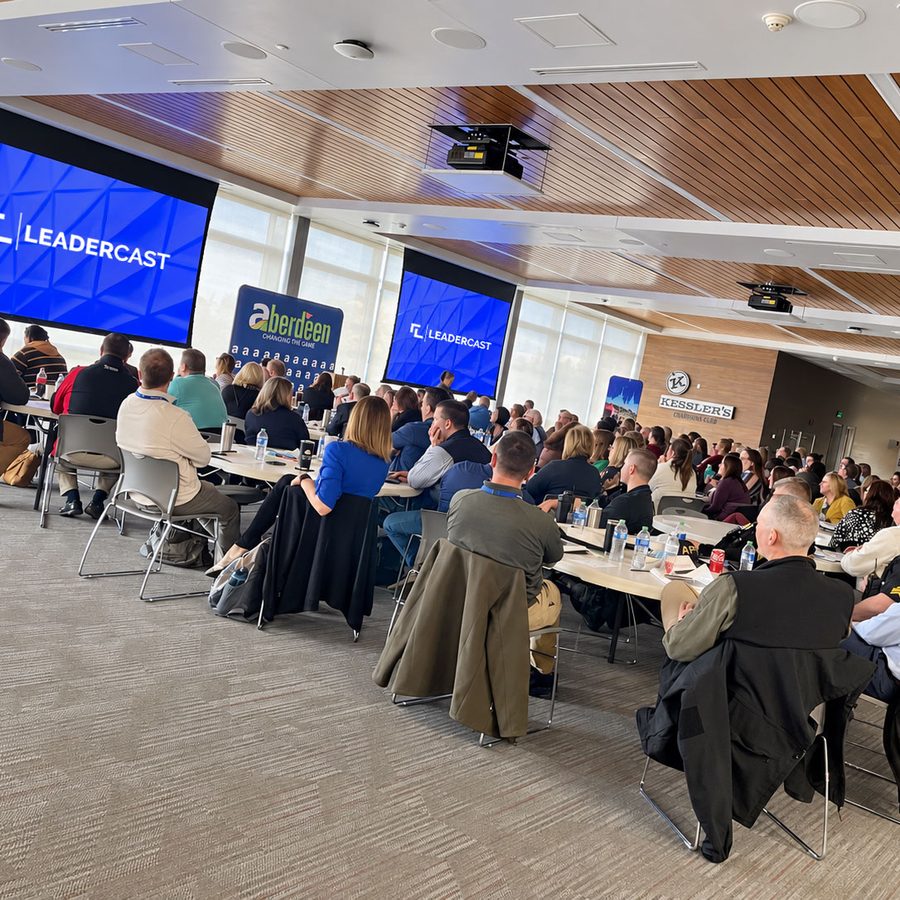
01Months ahead
Host when it works for your team. There’s no single broadcast day to plan around, and you can run it for one department or your whole organization.
02Weeks ahead
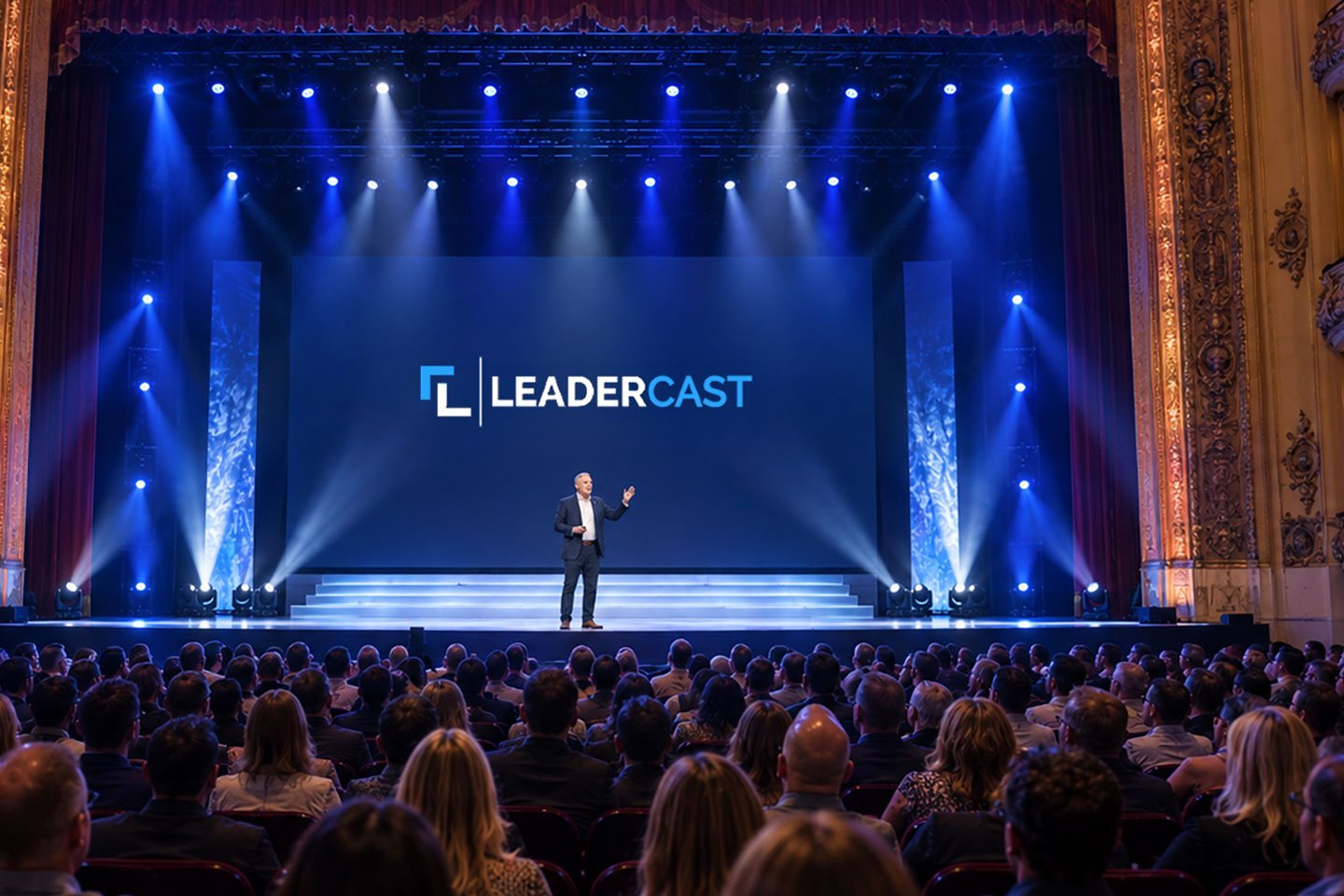
Share the speakers and schedule, and let people know the speakers appear on screen, recorded at the Leadercast Conference in Kansas City.
03The morning of
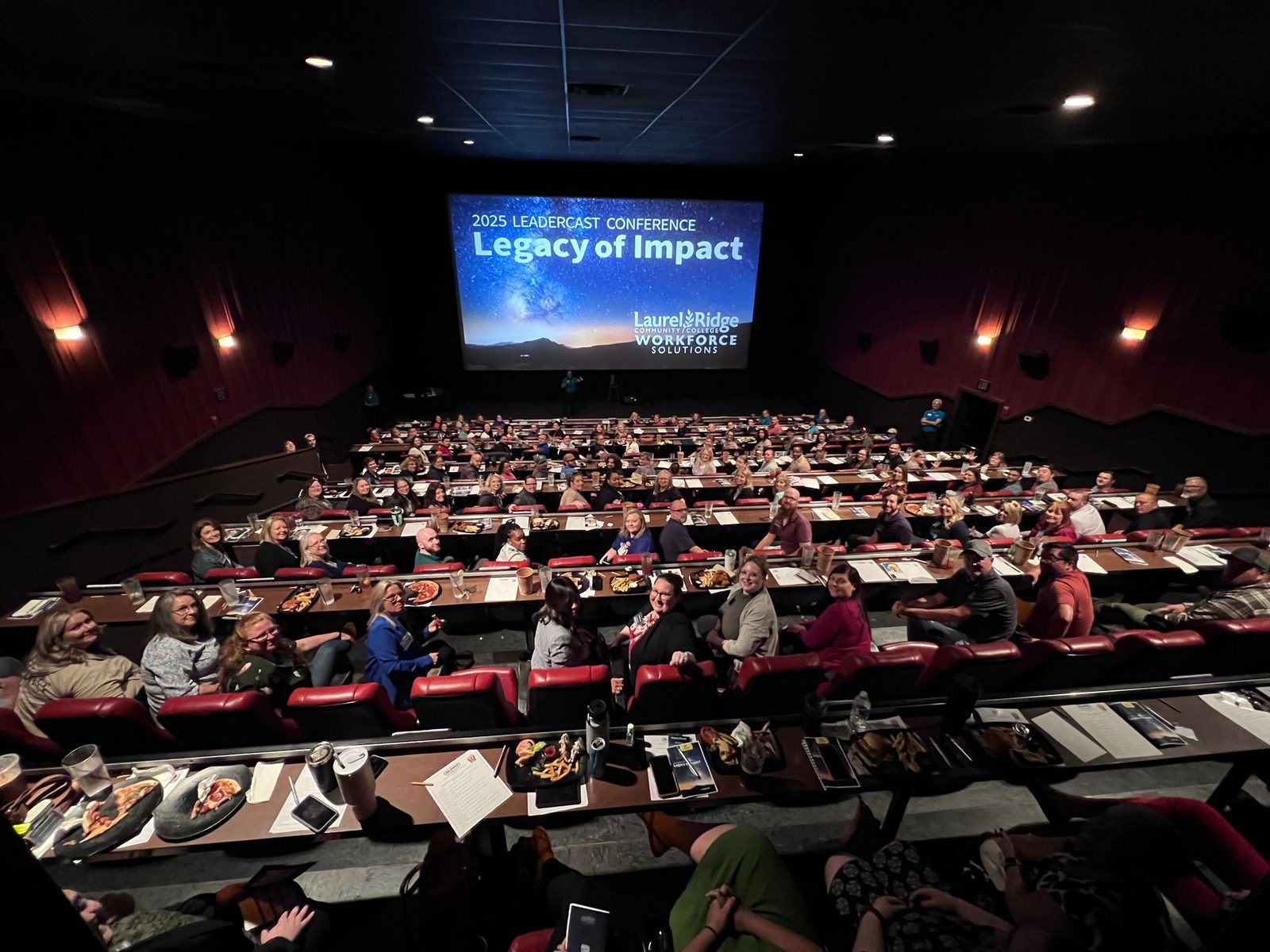
A computer and an internet connection are all you need to play the sessions. Your venue, screens, projectors and sound are up to you.
04All day
Every speaker comes as a separate session, so you can run the full day, split it across two days for the same audience, or change the order to fit your schedule.

05Between sessions
Table discussions after each session, a panel with your own executives, or a live speaker. Tie it to your leadership competencies. The Facilitator Guide and Participant Journal come with it.

06After the event
With a team plan, everyone gets a year of Leadercast 365 and you get reporting on who’s watching, so development keeps going after the event.
Hosting support
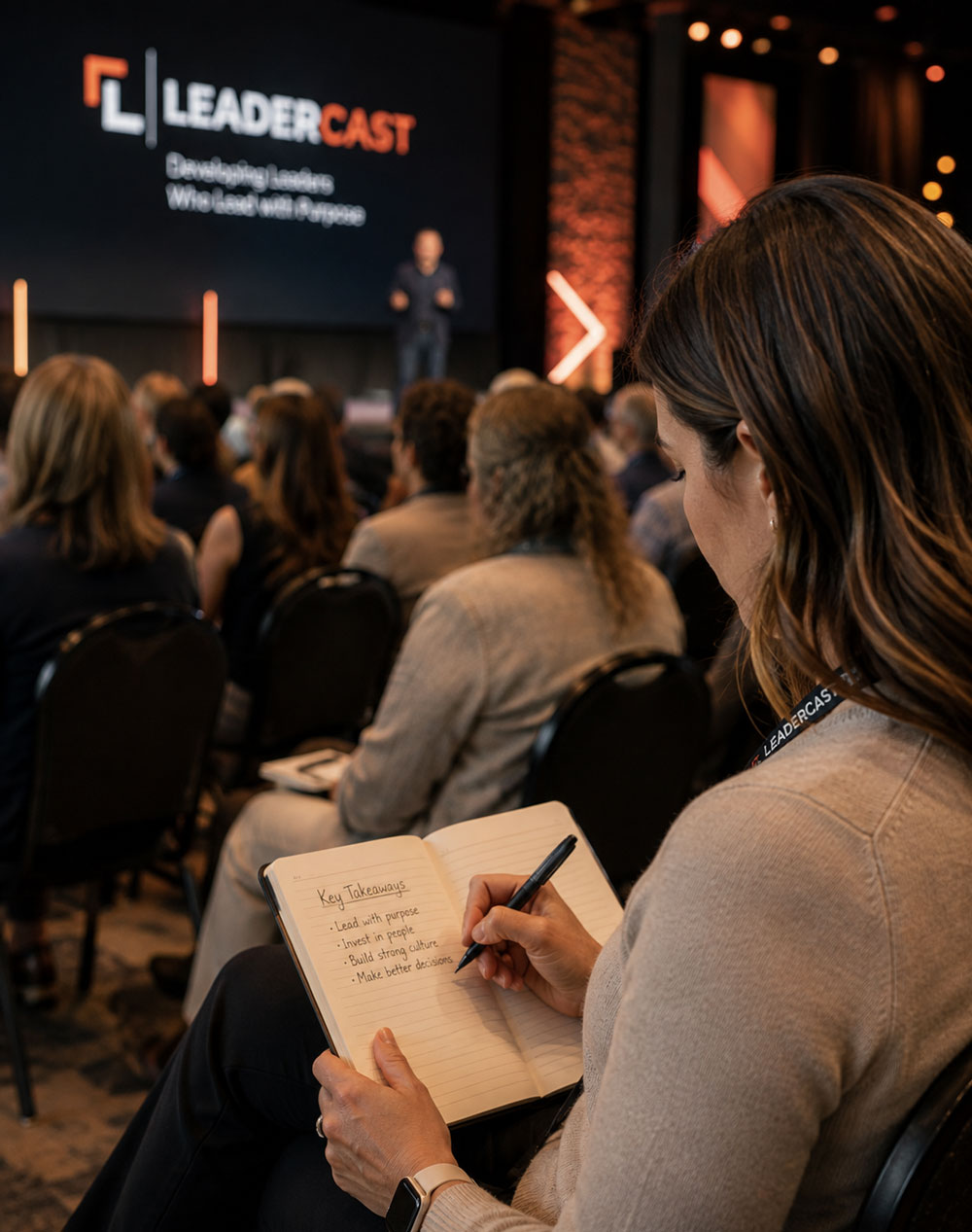
Continuing education
Leadercast attendees, including everyone at your host site, can earn professional development and continuing education credits while participating in the event. Credits are approved for each event, and details for 2027 will be shared as they’re confirmed.
Leadercast manages the application, attendance verification and documentation process for eligible attendees. Apply for credits
Add a team plan
Hosting covers the event. Add a team plan and everyone gets a year of Leadercast 365, and you get a reporting dashboard. See who’s watching, how much, and what’s landing, then download a PDF report for leadership or export the details to Excel.
From our hosts
“I have taken [Andy Stanley’s] legacy statement action item to my leadership team for a follow-up activity to have all of our leaders draft and share their legacy statement.”
Hosting and team plans
| Team size | Host the event | Team plan: event, 365 and reporting |
|---|---|---|
| 25 people | $2,475 | $3,225 |
| 50 people | $3,950 | $5,450 |
| 100 people | $5,900 | $8,900 |
| 250 people | $12,250 | $17,250 |
| 500 people | $19,500 | $29,500 |
Host packages are one-time and cover up to the number shown. Team plans are yearly: $129 a person, down to $59 for 500 or more, with hosting included. Over 500? Let’s talk. Nonprofit or community group? Talk with us.
Plan your eventA few details
Companies, health systems, universities and other organizations running Leadercast for their own people.
Yes. Every speaker is a separate session, so you can run the full day, split it across two days, or run it for different teams at different times.
Hosting covers the event. A team plan adds a year of Leadercast 365 and team reporting for everyone on it, and includes hosting at no extra cost.
Eligible attendees can apply for HRCI, SHRM, nursing and general credits. Leadercast handles the verification and paperwork.
No. Speakers appear on screen, recorded at the Leadercast Conference in Kansas City. Many hosts add something live, like a local panel, a guest speaker, or table discussions between sessions.
A computer and an internet connection are all you need to play the sessions. Your venue setup is up to you, including projectors, multiple screens, and sound.
Your next step
Talk with our team about hosting for your organization, or a team plan that includes it.
Talk about hosting