Conference content
- Viewing access
- Speaker information
- Presentation schedule
- Speaker recaps

Host · For communities
Host a public Leadercast event for your chamber, church, association or nonprofit. Sell tickets, bring in sponsors, and make it a signature event for your community.
See how hosting works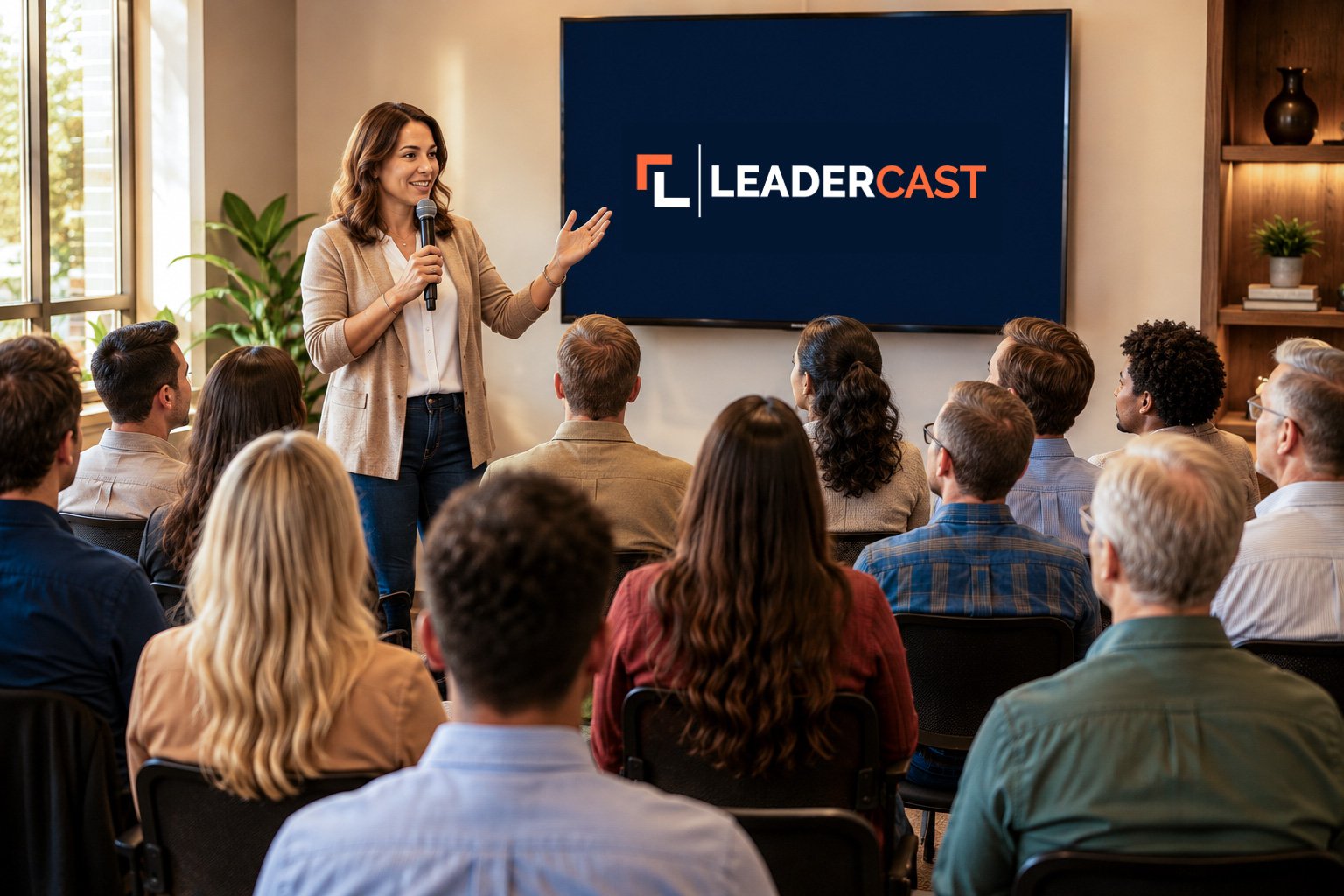
How the day works
01Months ahead
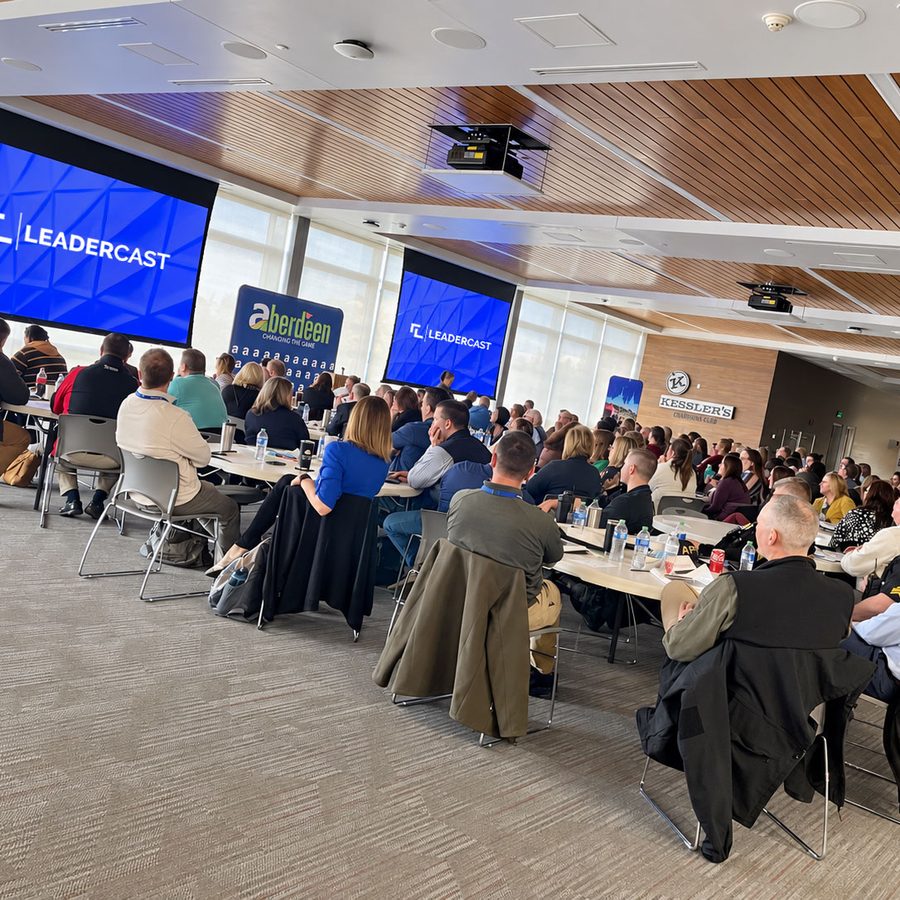
Host when it works for your community. There’s no single broadcast day to plan around. Set your own ticket price, and bring in sponsors to help cover the cost.
02Weeks ahead
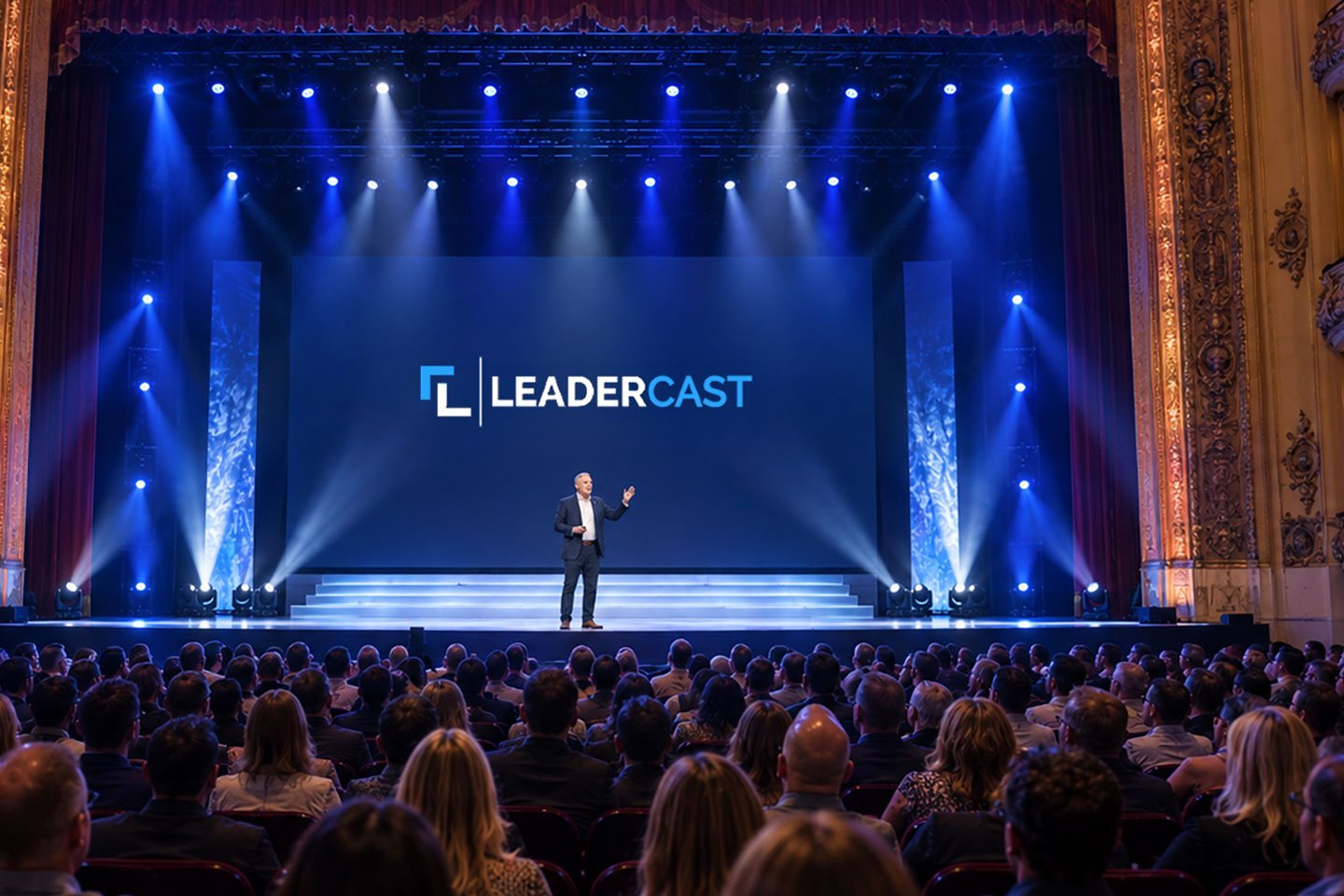
Use the promotional video, social posts and press release to sell tickets. Let people know the speakers appear on screen, recorded at the Leadercast Conference in Kansas City, so they come expecting a big screen, not a stage.
03The morning of
A computer and an internet connection are all you need to play the sessions. Your venue, screens, projectors and sound are up to you.
04All day
Every speaker comes as a separate session, so you can run the full day, split it across two days for the same audience, or change the order to fit your schedule.

05Between sessions
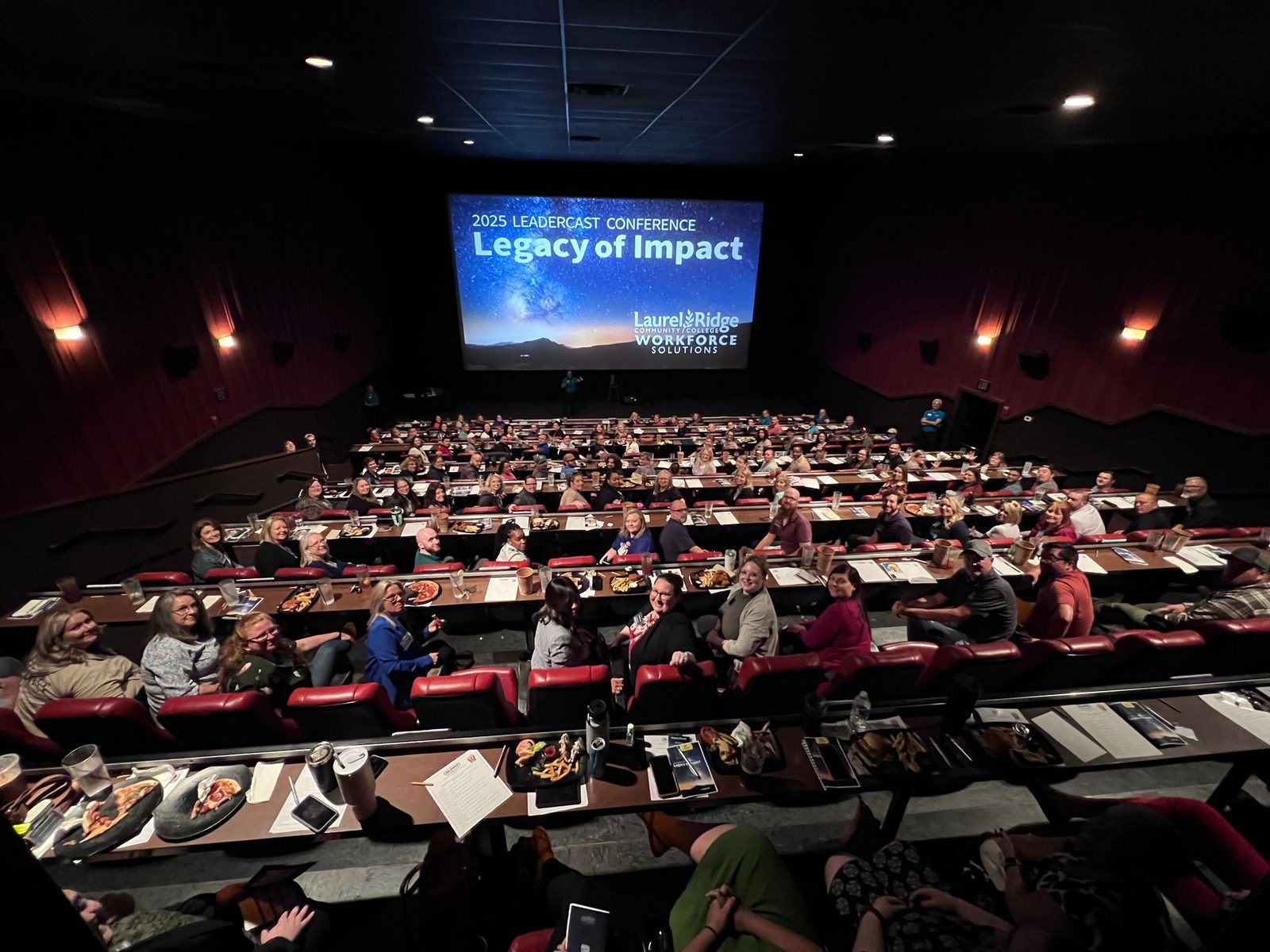
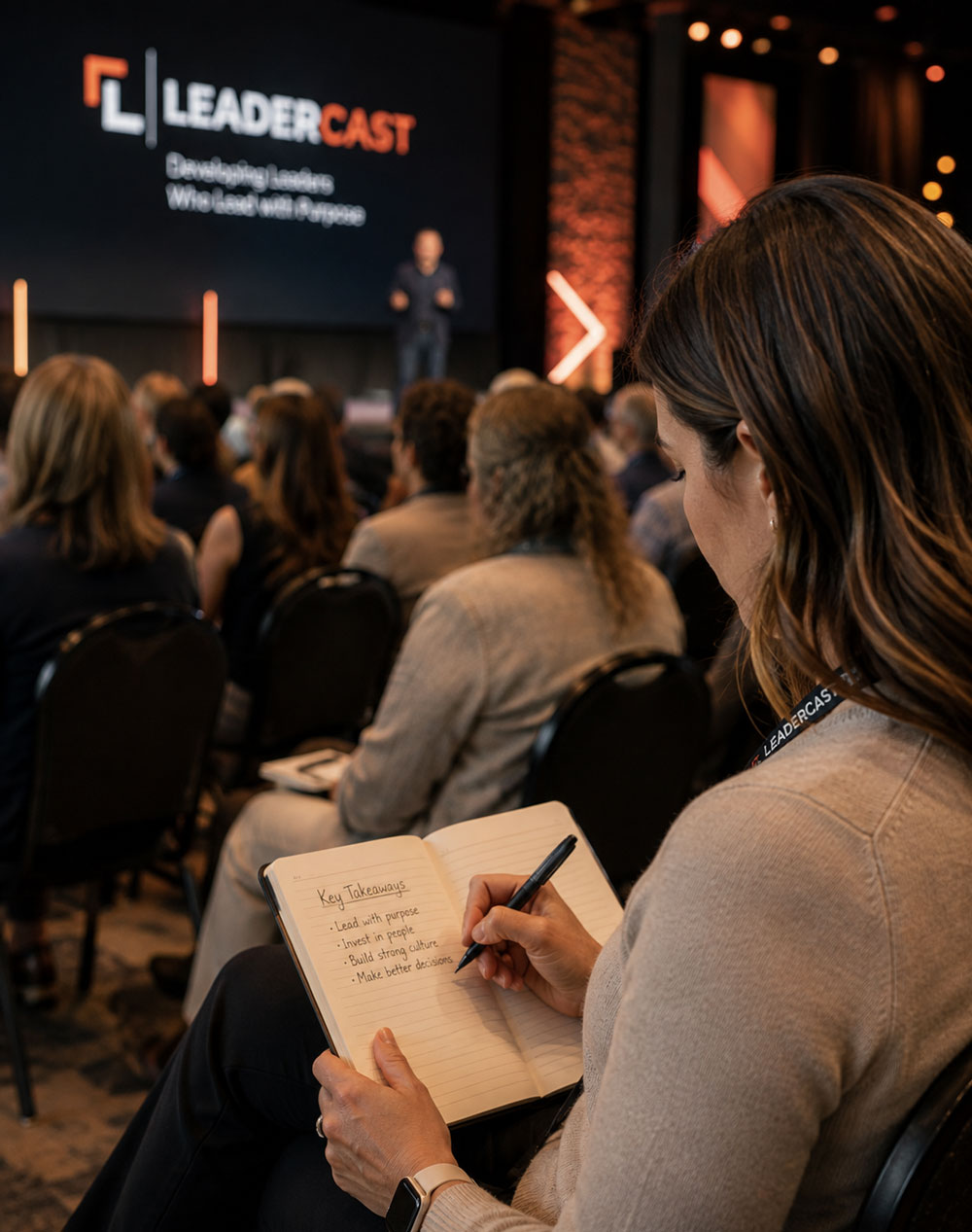
Breakfast and lunch, table discussions after each session, a panel of local leaders or a live speaker. Recognize your sponsors from the stage. The Facilitator Guide and Participant Journal come with it.
06After the event
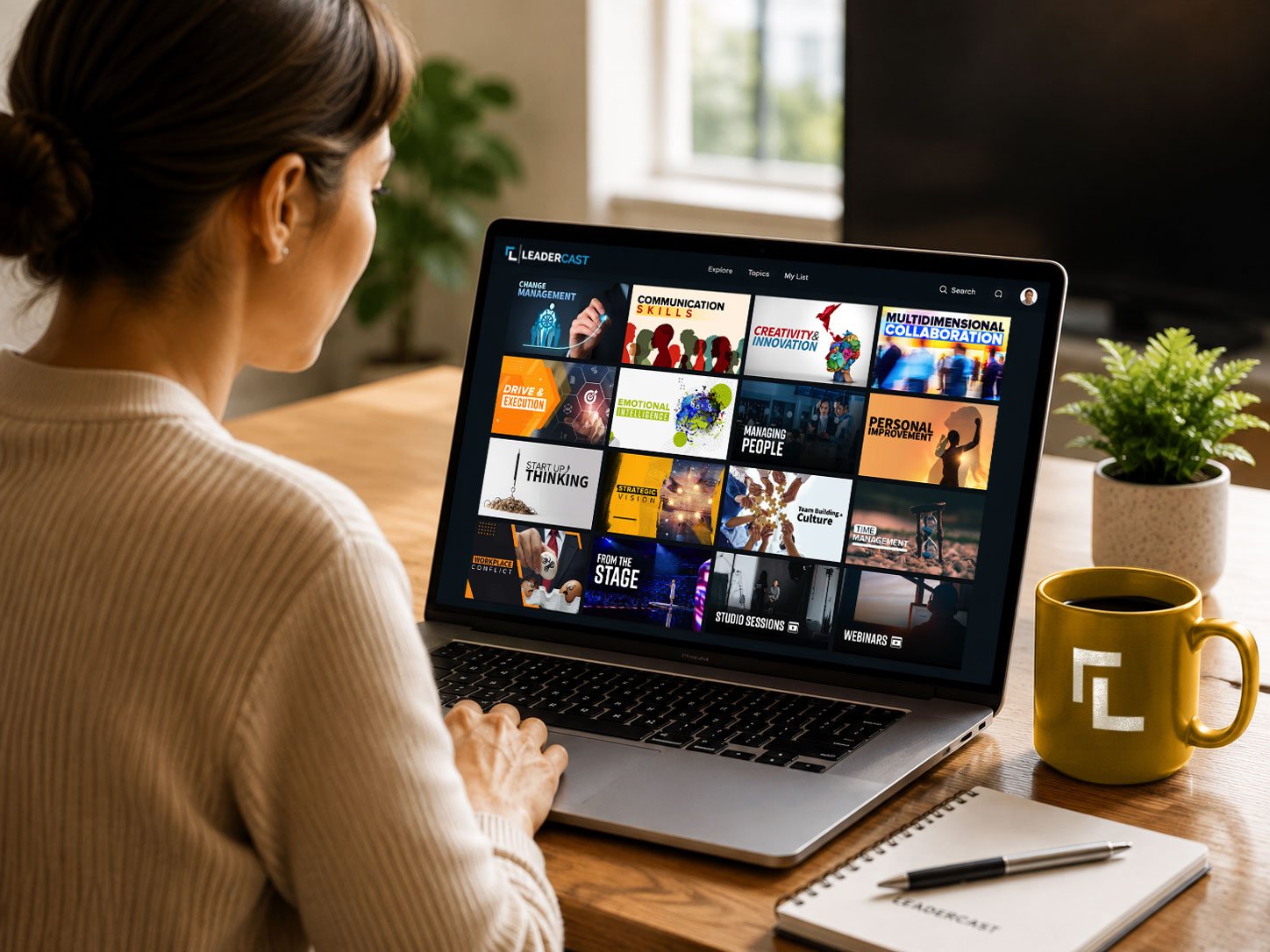
Invite attendees back for follow-up discussions, and point them to Leadercast 365 to keep learning all year: 1,400+ on-demand videos, including full sessions from past events.
Hosting support
Continuing education
Leadercast attendees, including everyone at your host site, can earn professional development and continuing education credits while participating in the event. Credits are approved for each event, and details for 2027 will be shared as they’re confirmed.
Leadercast manages the application, attendance verification and documentation process for eligible attendees. Apply for credits
From our hosts
“Leadercast 2025 was an exceptional experience—our best response from attendees since 2019. The diverse mix of presenters delivered meaningful insights and practical calls to action that my attendees and I began applying immediately.”
“The energy was incredible, and we walked away with some powerful takeaways. … We’ve already begun implementing some of the ideas sparked by [Jesse Cole’s] insights!”
“We had another huge success, our 11th year hosting. We sell out a local performing arts center for our event, about 400 leaders.”
How the numbers work
You set the ticket price. Sell enough seats to cover the package and everything after that stays with your organization, to fund next year’s event, your programs or your mission.
Many hosts bring in local sponsors to cover part of the cost, and some use sponsorships to offer free seats to students and nonprofit leaders.
Example: 100 people
Break-even at 40 tickets. An example, not a promise: venue, food and marketing are separate.
Hosting packages
| Audience, up to | Package price | Per person | Break-even tickets |
|---|---|---|---|
| 25 people | $2,475 | $99 | 17 |
| 50 people | $3,950 | $79 | 27 |
| 100 people | $5,900 | $59 | 40 |
| 250 people | $12,250 | $49 | 83 |
| 500 people | $19,500 | $39 | 131 |
Break-even is the number of $149 tickets that covers the package; everything after that is yours. Many hosts cover part of the cost with local sponsors, and some use sponsorships to offer free seats to students and nonprofit leaders. The 25-person package is the minimum. Over 500? Let’s talk. Local venue, food, staffing and marketing are separate.
Plan your eventA few details
Chambers of commerce, churches, associations, nonprofits and community groups that open Leadercast to the public.
Yes. You set the ticket price and keep the revenue. Many hosts also bring in local sponsors, and some use them to offer free seats to students and nonprofit leaders.
That’s up to you. The break-even column assumes $149 a ticket; set your price for your community, and use sponsors to close any gap.
Yes. You get brand assets, a promotional video, social media resources and a press release, plus event logo support from our team.
No. Speakers appear on screen, recorded at the Leadercast Conference in Kansas City. Many hosts add something live, like a local panel, a guest speaker, or table discussions between sessions.
A computer and an internet connection are all you need to play the sessions. Your venue setup is up to you, including projectors, multiple screens, and sound.
Talk with our team about adjusting your hosting agreement.
Your next step
Talk with our team about hosting a community event.
Talk about hosting